Budgeting doesn’t always have to be a hands-on process. In fact, if you’re someone who dreads spreadsheets or forgets to log every transaction, auto-budgeting might be exactly what you need. It's about setting up smart systems once, then letting them run with minimal maintenance--freeing up your time while still keeping your finances on track.
The key is automation with intention. Not just letting your money flow randomly, but putting structures in place so it moves according to your plan--even when you're busy, distracted, or just not in the mood to “budget.”
Here’s how to build an auto-budget that works behind the scenes without constant attention.
Why Auto-Budgeting Works
It takes the pressure off. You’re not manually moving money or doing weekly math. Once the system is in place, most of the heavy lifting happens automatically. That means fewer decisions, fewer chances to mess up, and more consistency.
And when your money is moving where it should--paying bills, growing savings, funding your goals--you gain peace of mind, even when life gets chaotic.
Step 1: Automate Your Bills
Start with the basics. Set up auto-pay for all your fixed expenses:
- Rent or mortgage
- Utilities
- Insurance premiums
- Subscriptions
- Loan payments
Use your bank’s bill pay system or enable auto-draft through each provider. Just make sure you always have enough in your account to cover them--set these to come out right after payday if possible.
No more late fees, no more missed due dates.
Step 2: Set Up Auto-Transfers to Savings
One of the easiest ways to grow savings is to treat it like a non-negotiable bill. Automate a transfer from checking to savings every payday.
Even if it’s just $25 per check, it adds up. If your bank supports goal-based savings buckets, assign names like “Emergency Fund,” “Vacation,” or “Home Repairs.” This creates purpose and reduces the temptation to pull money out.
Apps like Ally, Capital One 360, and Chime make it easy to create and automate savings buckets.
Step 3: Use a Spending Account for Daily Purchases
Set up a separate checking account for everyday spending. After your bills and savings are taken care of, move your weekly or biweekly discretionary budget here.
This becomes your “safe to spend” account--for groceries, gas, dining out, etc. If the money runs low, it’s a natural signal to pause spending. No guilt, no overdrafts, no complicated math.
It’s like digital envelope budgeting--only simpler.
Step 4: Automate Credit Card Payments
If you use a credit card for points or convenience, set it to auto-pay in full every month. That way, you enjoy the perks without paying interest.
If full payment isn’t possible yet, set auto-pay to the minimum + a bit extra, and schedule an additional mid-month payment manually. This keeps your balance manageable and protects your credit score.
Step 5: Auto-Invest When Possible
Use platforms like Betterment, Wealthfront, or even your bank’s robo-advisor tools to automate small investments into ETFs or retirement accounts.
Set it and forget it--$25/week or $100/month into a diversified portfolio can go a long way over time. You can even align it with your payday so your money starts working immediately.
Step 6: Use Apps That Categorize Spending Automatically
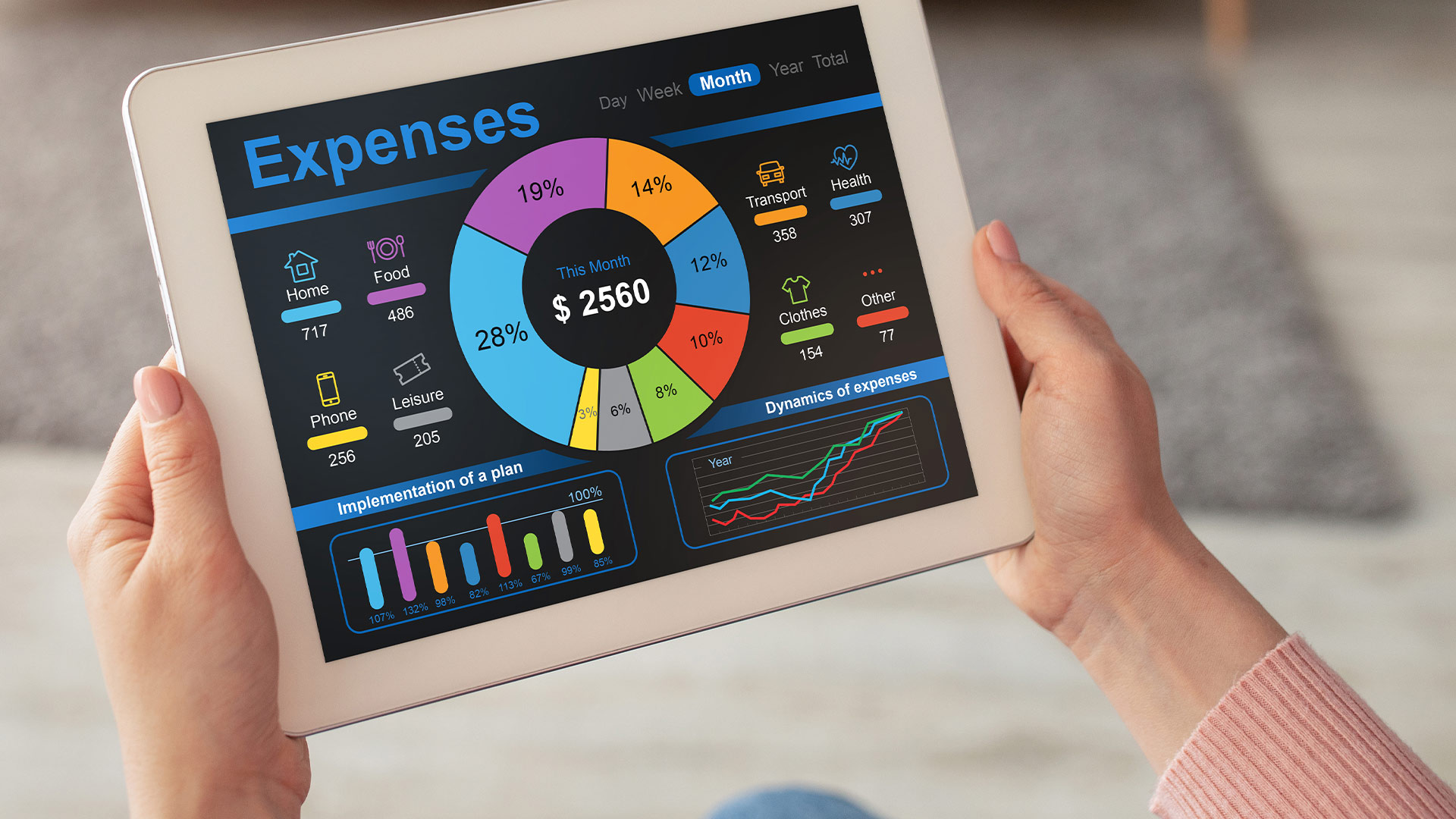
Apps like Monarch, Copilot, or Mint can track transactions, auto-categorize spending, and show you exactly where your money is going--without you needing to lift a finger.
You still get insights, alerts, and visual dashboards, but the data entry is taken care of.
Even if you only review your dashboard once a week, you’re staying informed with almost no effort.
Step 7: Build in Alerts and Checkpoints
Automation doesn’t mean zero attention. Set up text or app alerts for:
- Low balances
- Unusual charges
- Credit card due dates
- Large transactions
These alerts act as guardrails. They keep you aware of any issues while still letting the system run in the background.
Step 8: Schedule a Monthly Tune-Up
Once a month, sit down for 15-20 minutes to review:
- What worked smoothly
- Any unexpected expenses
- Where you may want to adjust limits or transfers
Your auto-budget is a machine--it works best with occasional tune-ups. Think of it like checking the oil in your car.
Step 9: Keep Manual Touchpoints for Flexible Goals
Automation is great for recurring needs, but for flexible or short-term goals--like buying a new laptop or saving for a trip--you might prefer a little more control.
Use a separate savings account or goal bucket. Automate a small transfer, but keep the option open to add manual contributions when extra money comes in.
This keeps your core budget on autopilot while letting you stay engaged with fun or short-term projects.
Step 10: Review and Refine Over Time
Your life changes. So should your auto-budget. Every few months, check that your bills, savings goals, and spending habits still align with your setup.
Did your rent go up? Did your goals shift? Are you spending more on groceries and less on gas? Adjust your transfers and limits as needed.
Your system should evolve with you--not stay stuck in place.