We’ve all been there: a late fee pops up because a bill slipped through the cracks. It’s not that you didn’t have the money--it just didn’t hit your radar in time. That’s why having a bill-paying system with built-in reminders is one of the smartest financial habits you can create.
It takes a bit of setup at first, but once it’s in place, your bills are paid on time, your stress goes down, and your credit stays protected. Best of all, you don’t have to keep it all in your head.
Here’s how to build a foolproof bill-paying system with reminders that fits your schedule and your brain.
Step 1: List Every Recurring Bill
Before you can systematize anything, you need to see it all in one place. Make a list of every bill you pay monthly, quarterly, or annually. Include:
- Rent or mortgage
- Utilities (electric, water, gas)
- Internet
- Phone
- Streaming services
- Insurance (health, car, renters, etc.)
- Credit card payments
- Student or personal loans
- Subscriptions (apps, software, memberships)
Include:
- Bill name
- Due date
- Average amount
- How it’s paid (auto-pay, manual, check, etc.)
- Whether it’s fixed or variable
You can do this in a spreadsheet, notebook, or budgeting app--whatever you’ll actually open and update.
Step 2: Organize by Due Date
Sort your bills by calendar date to get a full picture of your month. This helps you plan around paydays and avoid mid-month money crunches.
Break them down like this:
- Week 1 bills: Rent, utilities
- Week 2 bills: Credit cards
- Week 3 bills: Subscriptions
- Week 4 bills: Insurance, savings transfers
Seeing this distribution makes it easier to schedule payments in batches.
Step 3: Decide on a Payment Rhythm
You don’t need to pay each bill the moment it’s due. Many people find it easier to pay bills once or twice a month.
Pick one of these rhythms:
- Weekly: Every Sunday or Monday
- Bi-weekly: Align with paydays
- Monthly: On the 1st or 15th
Batching payments reduces decision fatigue and keeps your schedule simple.
Step 4: Set Up Auto-Pay Where It Makes Sense
For fixed bills and trusted companies, set up auto-pay to eliminate the risk of forgetting. Good candidates:
- Mortgage or rent (if available)
- Phone and internet
- Streaming services
- Student loans
- Car payments
Always make sure you:
- Use a reliable account with sufficient funds
- Set calendar reminders to review charges
- Turn off auto-renewal for subscriptions you might not want long-term
Step 5: Create Manual Reminders for the Rest
For bills you prefer to pay manually--or for variable ones--use reminders to prompt action.
Here’s how:
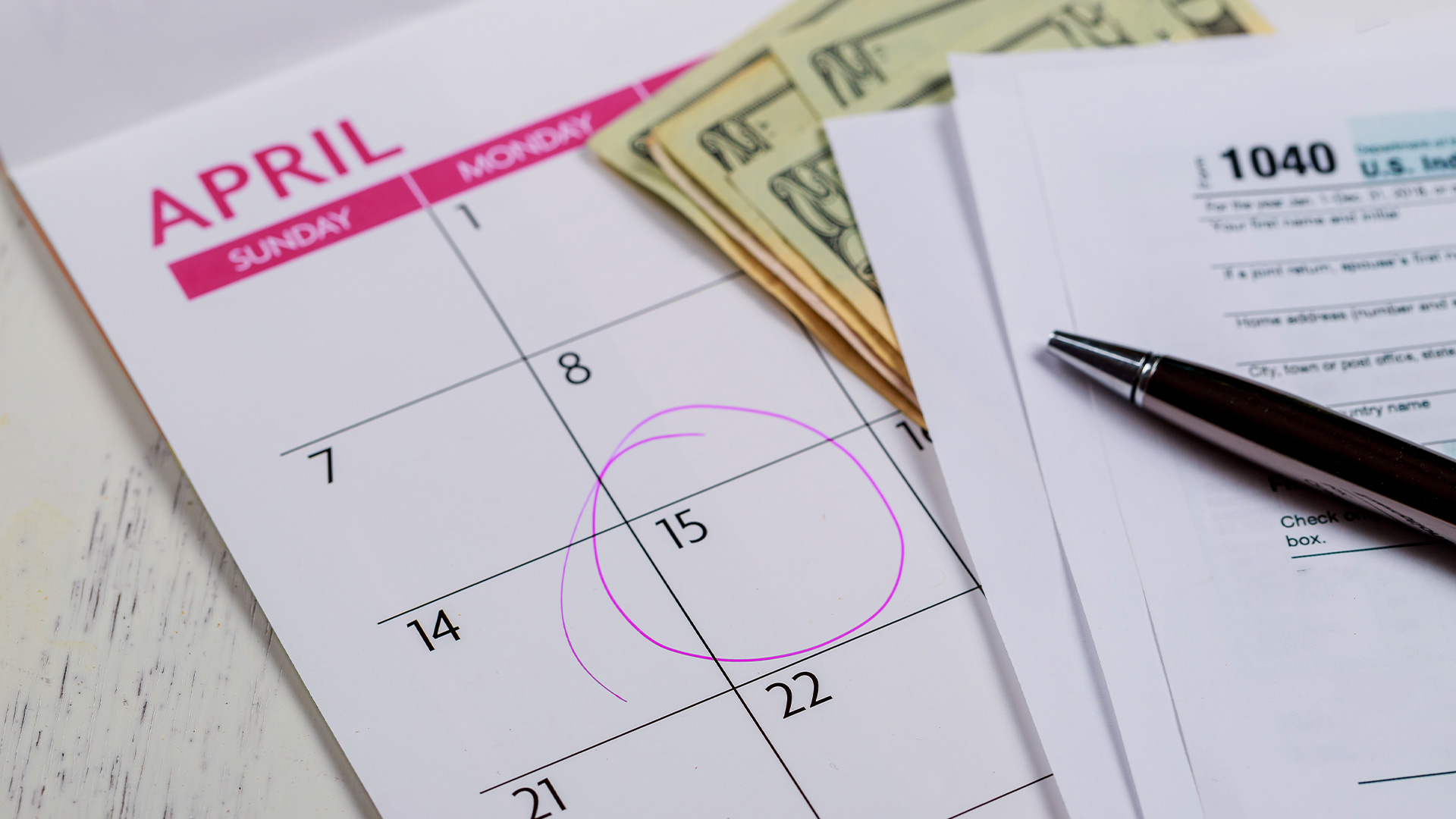
- Digital calendar: Add recurring events for each bill 3-5 days before it’s due. Color-code them to stand out.
- Reminders app: Use your phone’s built-in reminders tool and set alerts.
- To-do apps (like Todoist or TickTick): Create a “Bills” project and set recurring tasks.
- Paper planner: If you’re analog, mark bills directly in your planner. Use highlighters or stickers to make them pop.
Pro tip: Always build in buffer time. Don’t wait until the exact due date to pay.
Step 6: Use a Monthly Bill Tracker
Keep a one-page sheet or spreadsheet where you mark off bills as they’re paid. This gives you a visual “checklist” and reinforces consistency.
Columns might include:
| Bill | Due Date | Paid? | Amount | Notes |
|---|
Review it weekly during your budget check-in. It takes 2 minutes and saves hours of backtracking later.
Step 7: Keep Login Info Centralized
Create a secure, encrypted document or password manager folder with:
- Account usernames and passwords
- Payment links or apps
- Customer service contact info
- Backup payment methods
This comes in handy when you change banks, travel, or need someone else to help you in a pinch.
Step 8: Set Quarterly Review Reminders
Every three months, take 10 minutes to review your bill list:
- Has anything changed?
- Are there subscriptions you forgot about?
- Can you negotiate or cancel any bills?
- Are all your reminders still accurate?
Quarterly reviews keep your system fresh and accurate.
Step 9: Automate What You Can, Track What You Must
Automation reduces friction--but tracking gives you insight. A smart bill-paying system blends both:
- Auto-pay for stable, non-negotiable expenses
- Manual review and reminders for flexible or changing bills
- A consistent log to stay aware of your total outflow
This balance protects your peace and keeps you in control.
Step 10: Add a Safety Net
Even the best system needs a backup plan. Set up:
- A small buffer in checking to catch unexpected charges
- A recurring alert for your account balances
- An emergency fund for bills during tight months
Your system should work even when life doesn’t.